Encodings and line endings
Detect and preserve UTF-8, UTF-16, GB18030, Big5, and Shift-JIS, with LF, CRLF, and CR line-ending awareness.
macOS · Direct download and App Store
Edit plain-text files without losing their encoding or line endings. GrayCat Text also handles large files, logs, folder search, comparison, and recovery.
Direct version 1.0.1 requires macOS 14.0 or later and supports English and Simplified Chinese. The download is signed with Developer ID, notarized by Apple, and includes automatic updates. The App Store edition is downloaded and updated by Apple; availability varies by storefront.
GrayCat Text privacy · GrayCat Text support
Inside the app · 6 screenshots
These screenshots show GrayCat Text's tabs, folder search, encoding controls, document comparison, split views, and text tools.
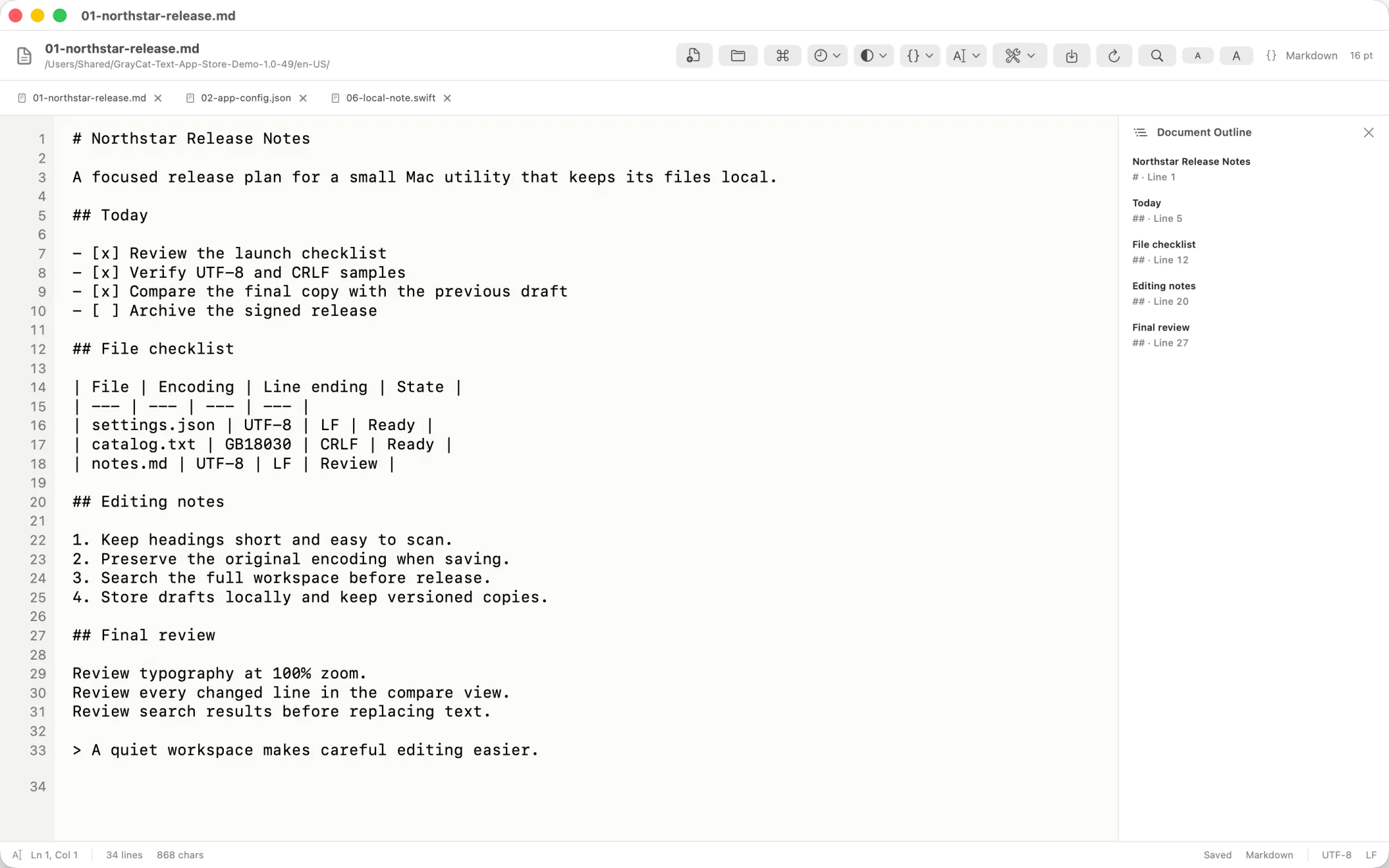
Detect and preserve UTF-8, UTF-16, GB18030, Big5, and Shift-JIS, with LF, CRLF, and CR line-ending awareness.
Use regular-expression search within a document or preview folder-wide replacements with automatic backups and restore.
Atomic saves, external-change detection, tabs, and session recovery help keep drafts intact after an interruption.
Very large files open as read-only previews so the editor stays responsive and does not overwrite a partially loaded file.
Line numbers, bookmarks, go to line, split and clone views, compare tools, snippets, macros, and common text operations stay in a native workspace.
Follow the macOS language automatically or choose English or Simplified Chinese in the app.
GrayCat Text requires no account and includes no advertising, analytics, tracking, or third-party telemetry. The app does not upload document content or send it to an online service.
The app accesses only files and folders you select, drag in, open through macOS, or restore from recent items and sessions. Editing, search, comparison, conversion, and recovery are performed on your Mac.
Read the complete privacy policy or visit GrayCat Text support.